Your written proposal confirms any hands-on setup or ongoing support.
01£29.99/month · AI included
AI-R Customer Bot
A hosted AI customer assistant built from answers you approve.
Gather your essentialsWrite down your services, opening hours, service area, booking steps, policies and the questions customers ask most.
Prepare the answersKeep answers short, accurate and in your own voice. Add a contact route and, if you use Google Calendar, your appointment schedule link.
Build and try itIn Customer Assistant, set brand voice, logo, widget colour and icon, then locations before services and prices. Save progress if you need to gather more information. Approve knowledge files and add your gallery, then try a greeting and several real customer questions. The first approved questions and the product catalogue appear as shortcuts, and these shortcuts use no AI credits.
Publish to your websitePublish the chat page, then copy the website widget code. Test the hosted link and embedded widget on mobile, including contact capture and booking.
AI matching automatically selects from approved answers and reference excerpts when your AI allowance is available. Published customer conversations and explicitly shared contact details are stored in your private workspace and deleted automatically 90 days after the last message.
Start with something real from your working day. The Studio is being refined and is not currently available for customers.
For a builder
Show the thinking behind good work
Start with
A finished job, one practical decision, or a small repair lesson. For example: what you found, what you did, and why it mattered to the customer.
AI-R can help
Shape your own site notes into a useful local Facebook or Instagram post, a short video caption, or a simple explanation of your service.
Your final check
Confirm the work description and any technical claim. Get permission before sharing a customer’s home, image or story, and remove identifying details.
For a make-up artist
Make the experience feel welcoming
Start with
A preparation tip, a lesson from a trial, or how you help someone choose a look that feels comfortable to them.
AI-R can help
Draft a warm Instagram, Pinterest or WhatsApp Status update that sounds like you and invites a relaxed conversation.
Your final check
Get clear consent for client photos and quotes. Check product, skin and result claims, and avoid language that pressures people about appearance.
For a singer
Invite people into the music
Start with
A confirmed gig, a rehearsal moment, a song story, or a release update using details you know are accurate.
AI-R can help
Adapt your notes into a natural event post, short-video caption or personal update for your listeners.
Your final check
Verify the venue, date, ticket details and availability before sharing. Make sure you have permission to use any recording, image or collaborator’s story.
The examples above are use cases, not claims about AI-R customers. The dashboard samples use fictional businesses and scenarios; replace every sample detail with accurate, approved information before saving or sharing.
Website visuals
A look at the assets used across AI-R
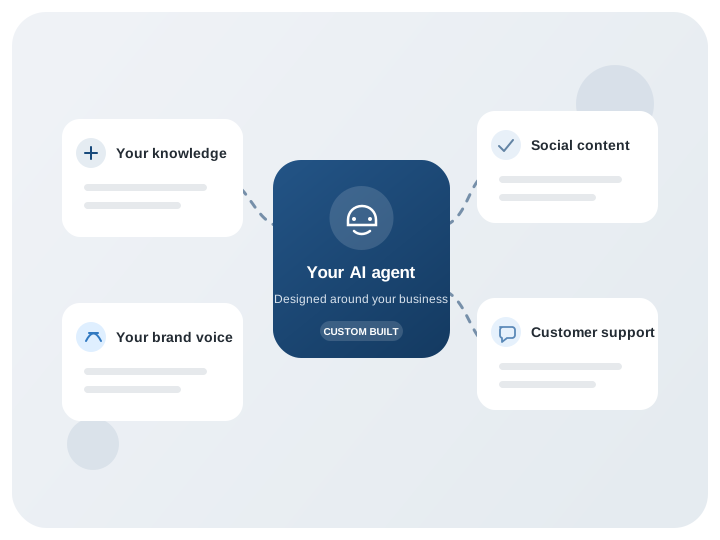
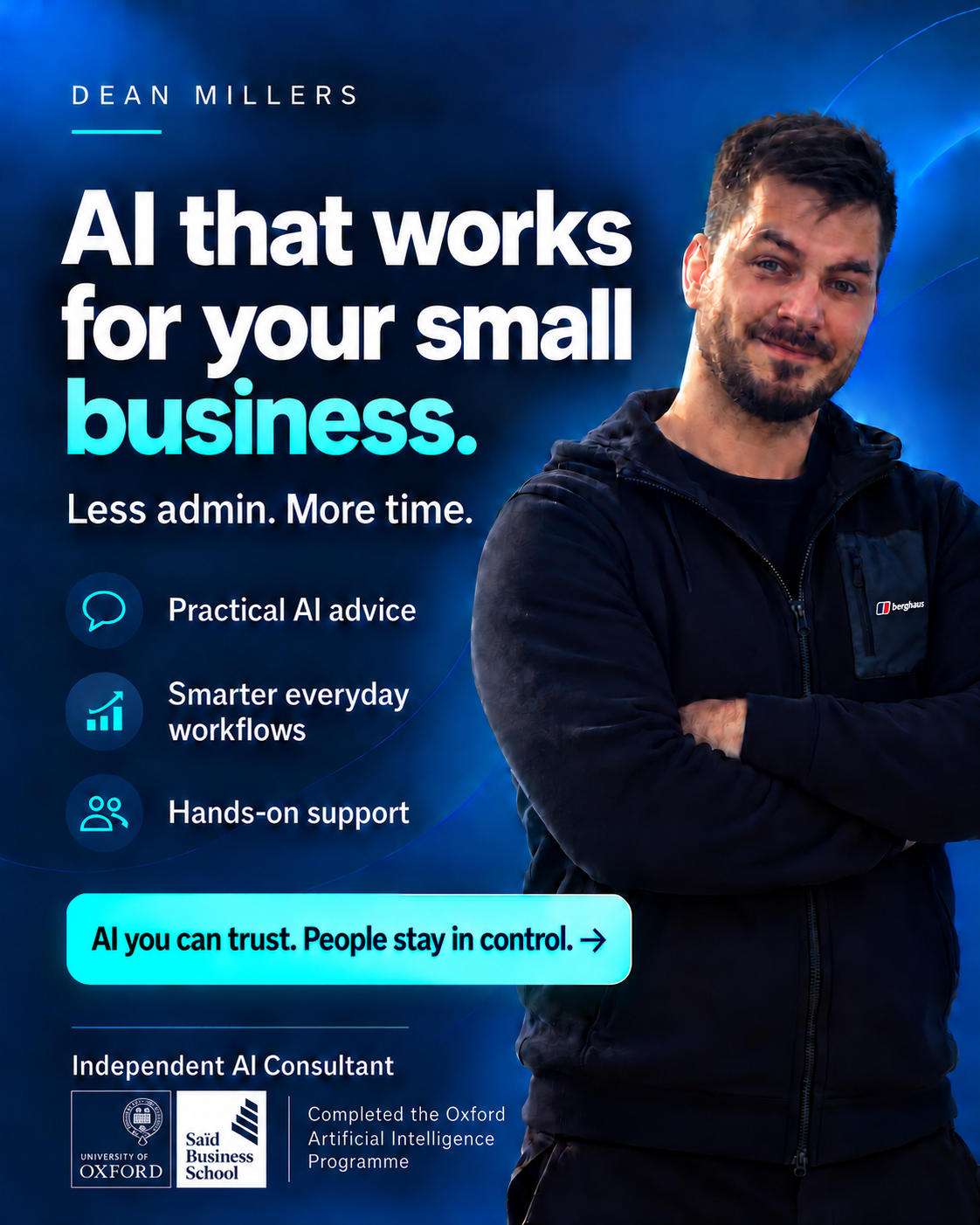
The site pairs a clear product-flow illustration with editorial business photography and Dean’s consultant poster. Your private workspace can also store JPEG, PNG and WebP images for your project.
AI-R product flowProduct illustration
Dean Millers consultant posterConsultant brand artwork
Independent business ownerEditorial photo
Customer hand-offEditorial photo
AI-R introductionMP4 video · editorial photo cover
Website widget: the assistant also includes a small JavaScript embed file so a published chat can appear on a business website. Copy its current embed code from the Customer Assistant tool; use the deployed HTTPS address when you launch.
Channel setup
One assistant core, channel by channel
Website chat is available now. Other channels need their own approved account connection, secure credentials and platform-specific webhook before customers can use them.
Website chatAvailable nowWhatsApp Business PlatformConnection not live yetInstagram messagesConnection not live yetFacebook MessengerConnection not live yetTikTok content publishingProvider approval requiredTelegram botConnection not live yetLINE Official AccountConnection not live yetViber Business MessagesConnection not live yetSMSConnection not live yetEmailConnection not live yetSlackConnection not live yetMicrosoft TeamsConnection not live yetDiscordConnection not live yetYouTube Live chatConnection not live yetLinkedIn Page publishingProvider approval requiredXProvider approval required
WhatsApp, Instagram messages and Messenger need separate Meta app access and customer consent. TikTok and LinkedIn are listed here for content publishing, not customer DMs; TikTok public posting requires an audited app. Telegram, LINE, Viber, SMS, email, Slack, Teams, Discord, YouTube Live chat and X each need their own provider setup and eligibility checks. No third-party channel is enabled just by publishing the website bot.
AI-R does not yet have a Meta developer app or business assets. This is the setup path before we can securely connect accounts or receive customer messages.
Create an AI-R Meta business portfolio and developer account.Use the official Meta business and developer accounts. Give administrators two-factor authentication and keep ownership with AI-R Limited.
Create separate test and production apps.Start with Meta-provided test assets. Keep development callbacks and credentials separate from the eventual production app.
Prepare channel assets.For WhatsApp, set up a WhatsApp Business account and test number. For Messenger, prepare a Facebook Page. For Instagram, use an eligible professional account and link it to the appropriate Meta business assets.
Configure app policies, HTTPS webhooks and permissions.Meta must be able to verify a public HTTPS callback. The server will verify each event before processing it. Customer onboarding will use Meta’s account consent flow rather than collecting social passwords.
Submit and pass Meta review for customer onboarding.Using the connection with people outside AI-R’s developer/test roles requires the appropriate access approvals. Meta controls review and eligibility; no approval or launch date is guaranteed.
AI-R’s Terms and Privacy pages are drafts and need final legal and operational review before they are submitted for app review. Never paste a Meta App Secret, access token or customer account credential into this chat or a browser-side setting.
Your private workspace
Images and project files
Upload useful working files in the dashboard and manage them from your own account.
PrivacyPrivate to your signed-in account, with short-lived download links
Asset Library files are private to your account. Only images you explicitly attach to a published customer-assistant answer are shown to visitors; image content is not sent to AI for analysis. Ordinary documents remain private and are not read by the assistant. Use the separate Text knowledge base to approve TXT or Markdown files for customer replies (up to five files, 64 KB each). Relevant excerpts are checked by AI and quoted from your file; original files stay private. Files are not checked for malware, so upload only files you trust. The Customer assistant editor offers ten question starters per occupation, or general questions when no occupation is fixed; draft answers must be reviewed before saving.
Need a hand?
Tell us what your business needs.
We can explain AI-R Customer Bot setup and optional managed support before you commit.